Their own TradingView-to-MT5 bridge, with no cap on strategies
Just handed over
No cap on strategies per account · 188 trades in a day across 8 strategies
Robin Ho's team swapped one-strategy-per-license plans for a bridge of their own: many strategies per demo account, failure alerts, one dashboard.
Where they started
Robin Ho’s team builds trading algorithms that traders subscribe to. Its strategies run in TradingView, and trades go through MetaTrader 5 (MT5). Before a strategy goes live, the team tests it on MT5 demo accounts, and they want to test as many strategies at once as they can. Something has to turn each alert into an MT5 order, and they were paying PineConnector to do it.
Each PineConnector license covers one account and one strategy, so their 10 licenses meant 10 strategies on 10 demo accounts. Their broker, Pepperstone, only lets them open 10 demo accounts, so testing an 11th strategy meant opening a new Pepperstone account and buying 10 more licenses. And if an MT5 terminal went quiet, nobody knew until an expected trade didn’t happen.
What I built
Their own bridge from TradingView to MT5, called rho-connector, built as part of my ongoing work with the team:
- No cap on strategies per account. Each strategy gets its own ID, so many strategies, on many markets, can share one large demo account. The team fills an account to what its terminal and capital can handle before opening the next.
- Alerts when something goes wrong. The team hears about it when an MT5 terminal goes down, or when an alert fires and MT5 doesn’t act on it.
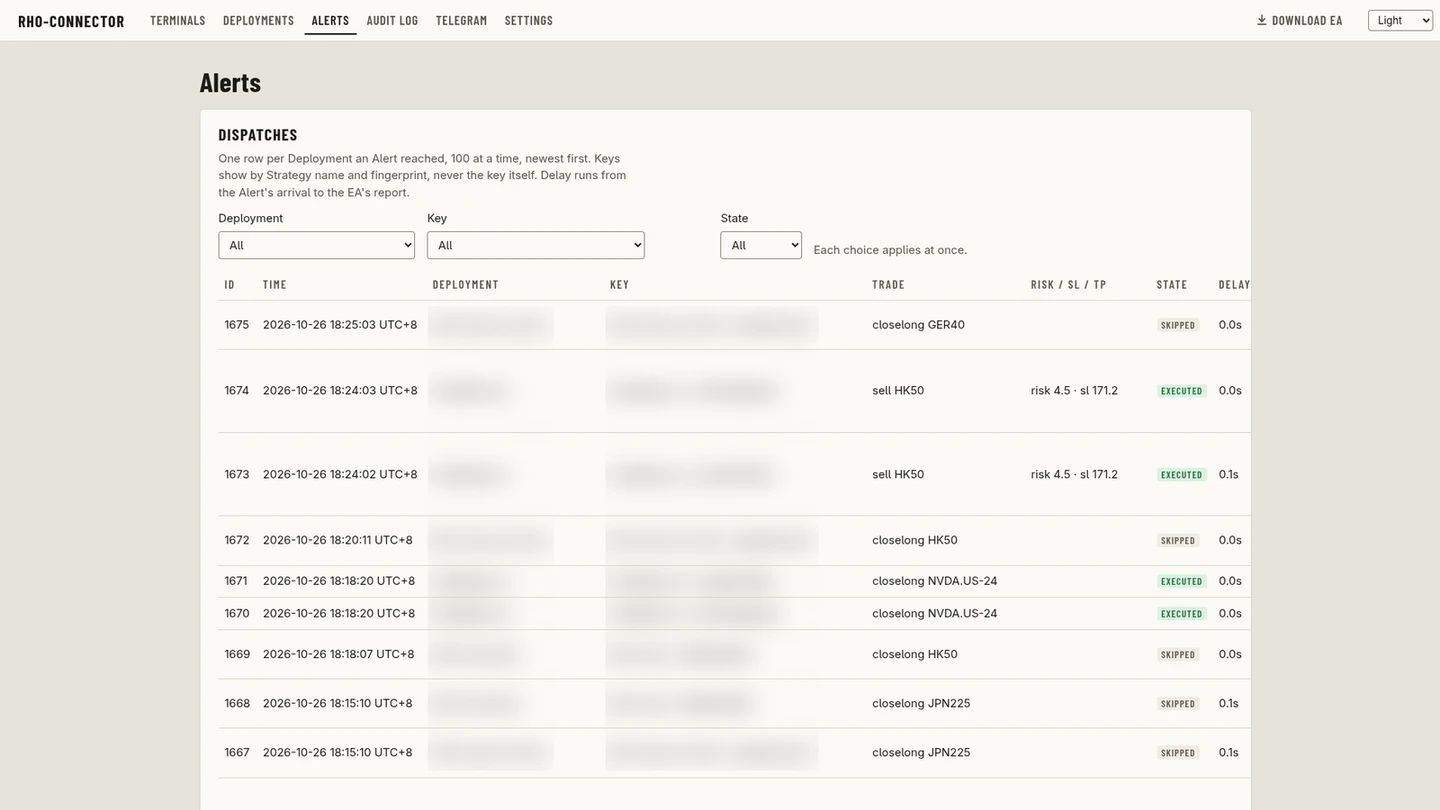
- One dashboard. Every account in one place, with the strategies running on each and a log of every alert: the trade it placed, whether MT5 executed or skipped it, and how long it took.
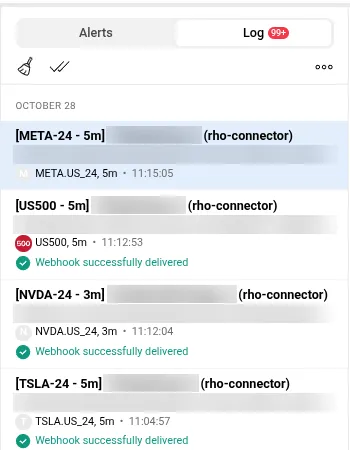
In TradingView, each strategy alert goes out to rho-connector as a webhook, and TradingView confirms it was delivered. Strategy names and keys are blurred.
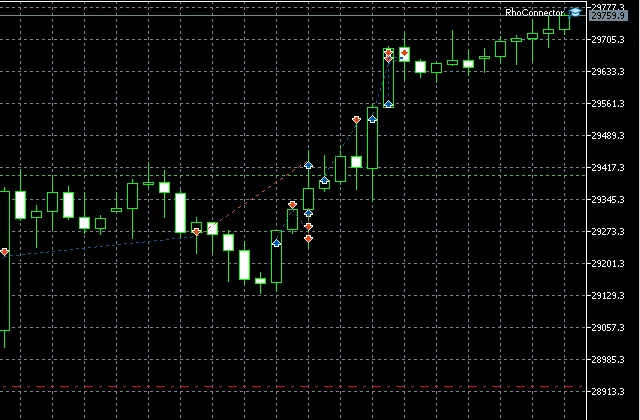
In MT5, rho-connector runs as an Expert Advisor (top right) and places the trades marked on the chart. This is a demo account, where the team tests strategies before they go live.
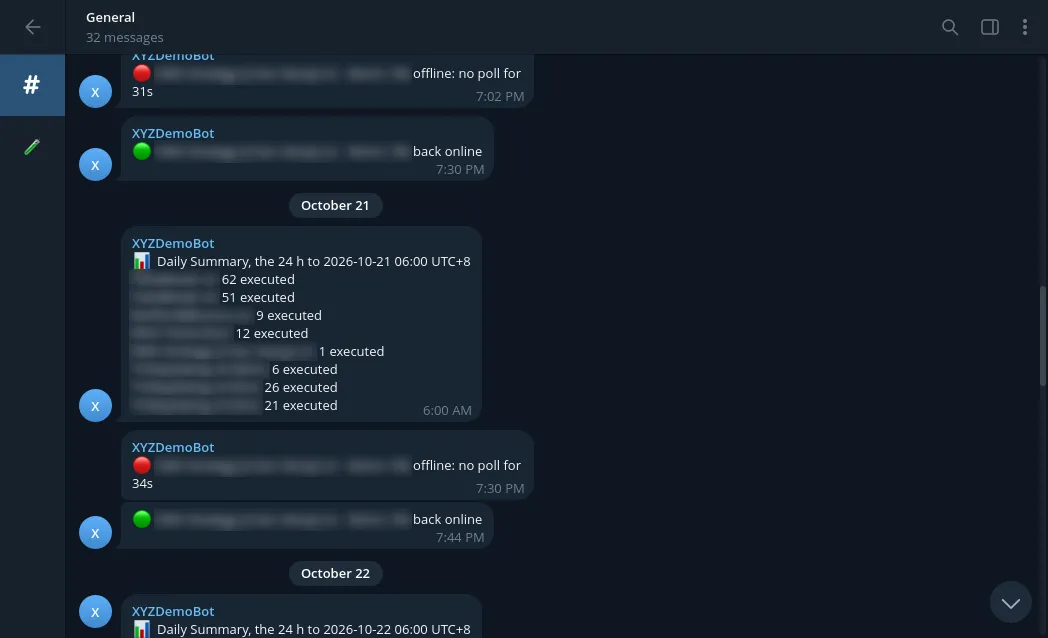
The team gets a Telegram message when a terminal stops responding and again when it’s back, plus a daily count of trades per strategy.
Where it is now
It’s just been handed over, and the team is using it to test strategies on demo accounts. A fuller write-up will follow once they’ve lived with it for a while and shared their review.
Built with TradingView, MetaTrader 5